
Practical Sales Training™ > How To Convert > Pricing Slider

Pricing Slider
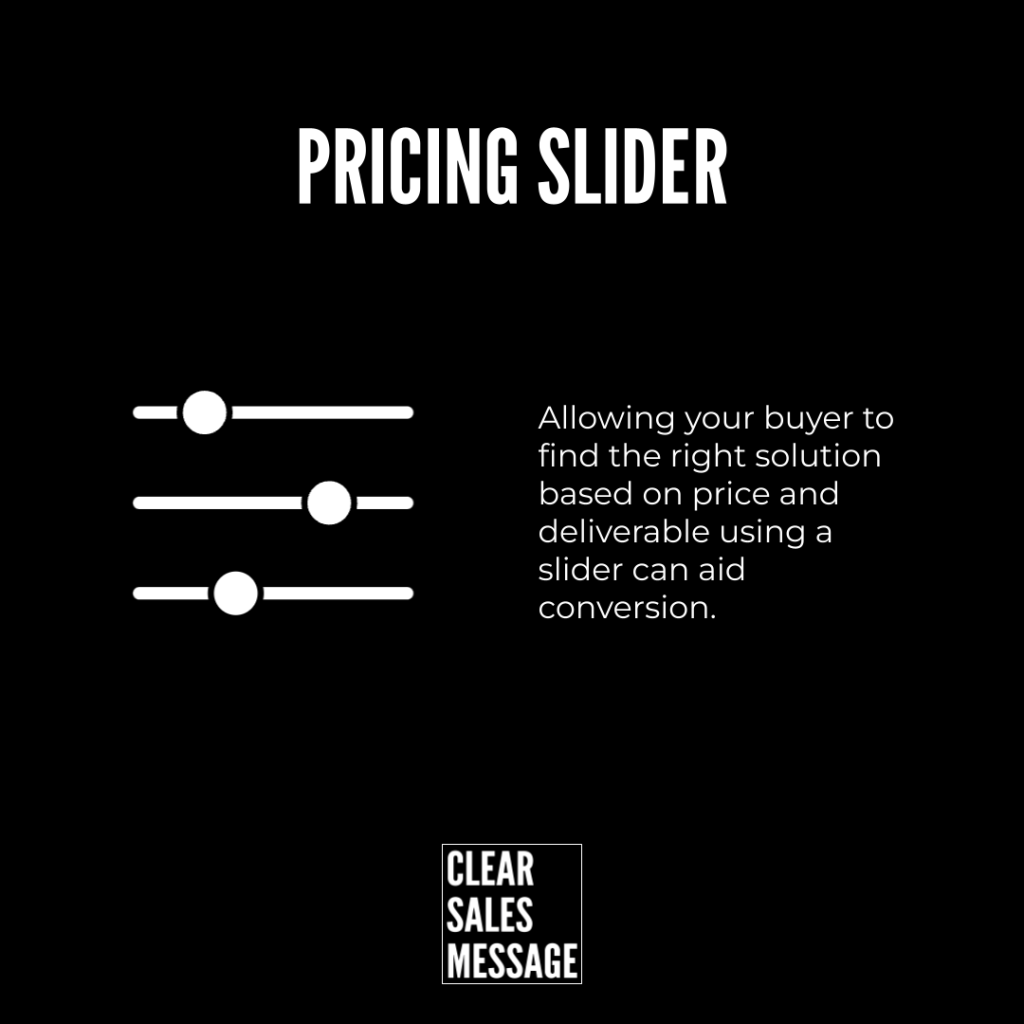
A pricing slider lets your buyer scale a solution up or down themselves. They pick what they need, and the price adjusts along with it. So nobody has to guess at the right tier for them.
Why Does It Work
It works because it puts the buyer in control. That’s exactly where they should be. If I can choose my own spend and deliverable, I much prefer it. So does almost everyone else. Nobody enjoys feeling convinced rather than deciding for themselves.
How Can You Use It
Move The Price In Real Time
Let the price move in real time as they drag the slider. That instant feedback turns pricing into something they explore, not something they’re told. So the buyer feels like they found the number themselves.
Set A Deliberate Starting Anchor
Set the slider’s starting position deliberately, not at random. Where it opens shapes what feels normal before anyone even moves it. So anchor it near the level you’d actually like most buyers to land on.
When It Works Best
This works best when your pricing truly scales with usage or volume. So a slider suits software, subscriptions and services with a clear variable. It works less well for flat, one-size offers with nothing to actually adjust.
When It Becomes Dangerous
It becomes dangerous if the slider feels gimmicky rather than truly useful. Because a slider with no real pricing logic behind it just looks like decoration. So only add one where the underlying maths actually changes with the input.
Common Mistakes
Making The Slider Too Complex
Making the slider too complex is the most common mistake I see. Too many variables at once turns a simple decision into a puzzle. So keep it to one, maybe two moving parts at most.
Leaving The Starting Point To Chance
Leaving the starting point to chance is the second mistake. A random default wastes a genuine chance to guide perception. So choose that starting position with real intent, every time.
Pricing Slider – An Example
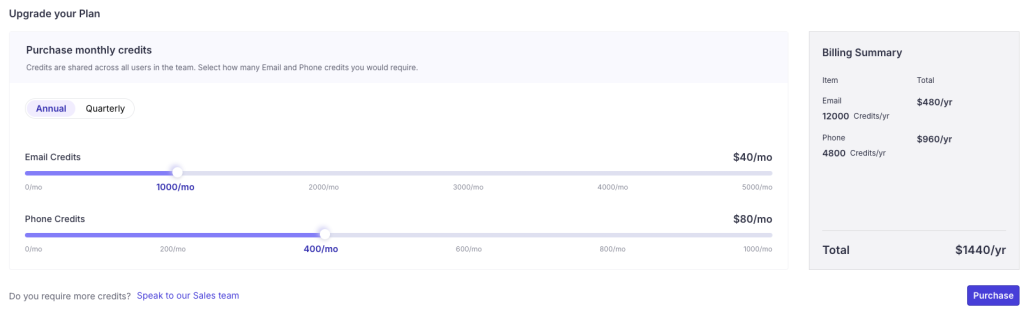
The Usage-Based Software Calculator
This online software lets you see and select how much you’d spend, based on your usage. Drag it, and the price updates. So there’s no need to ask a salesperson what your plan would cost. You already know before you’ve spoken to anyone.
See Also
- The Self Qualify Effect
- The Self Service Effect
- 180+ ways to improve conversion
- 140+ ways to be easier to buy from